5K iMac 2019: CachyOS Install Notes
Disclaimer: This is not an exhaustive guide, but my notes on how I setup CachyOS on my 2019 5K iMac.
Why
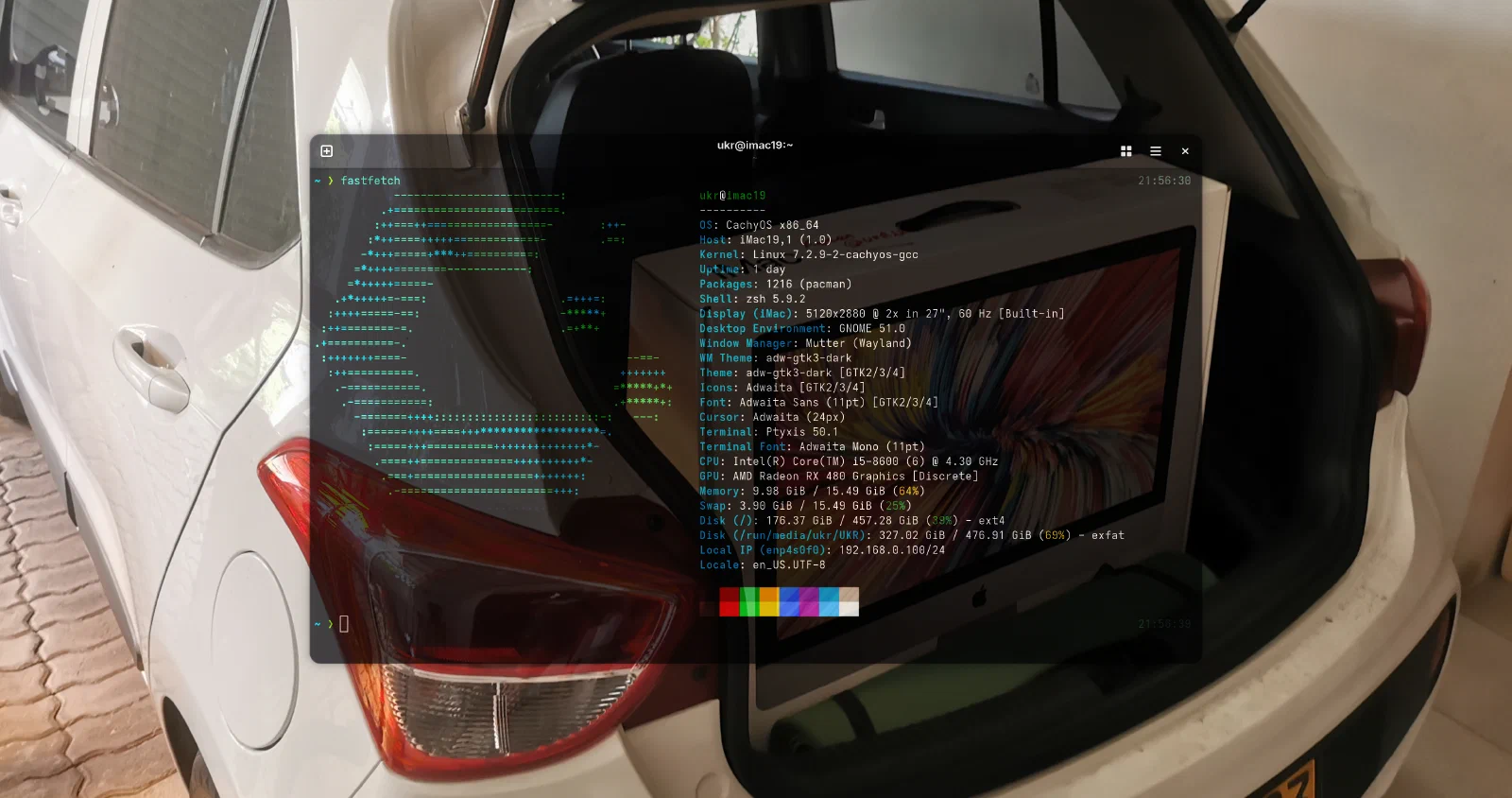
It’s starting to get a bit slow, I mainly use it to hack around and organize my life. But development tasks started to freeze up, even after a factory reset which was my last ditch effort.
Games: I want to play some games, and in this economy building a PC is not that good on the pocket.
Also I can see on the horizon, how Apple may introduce stuff I don’t need, hopefully I’m proven wrong.
Status quo
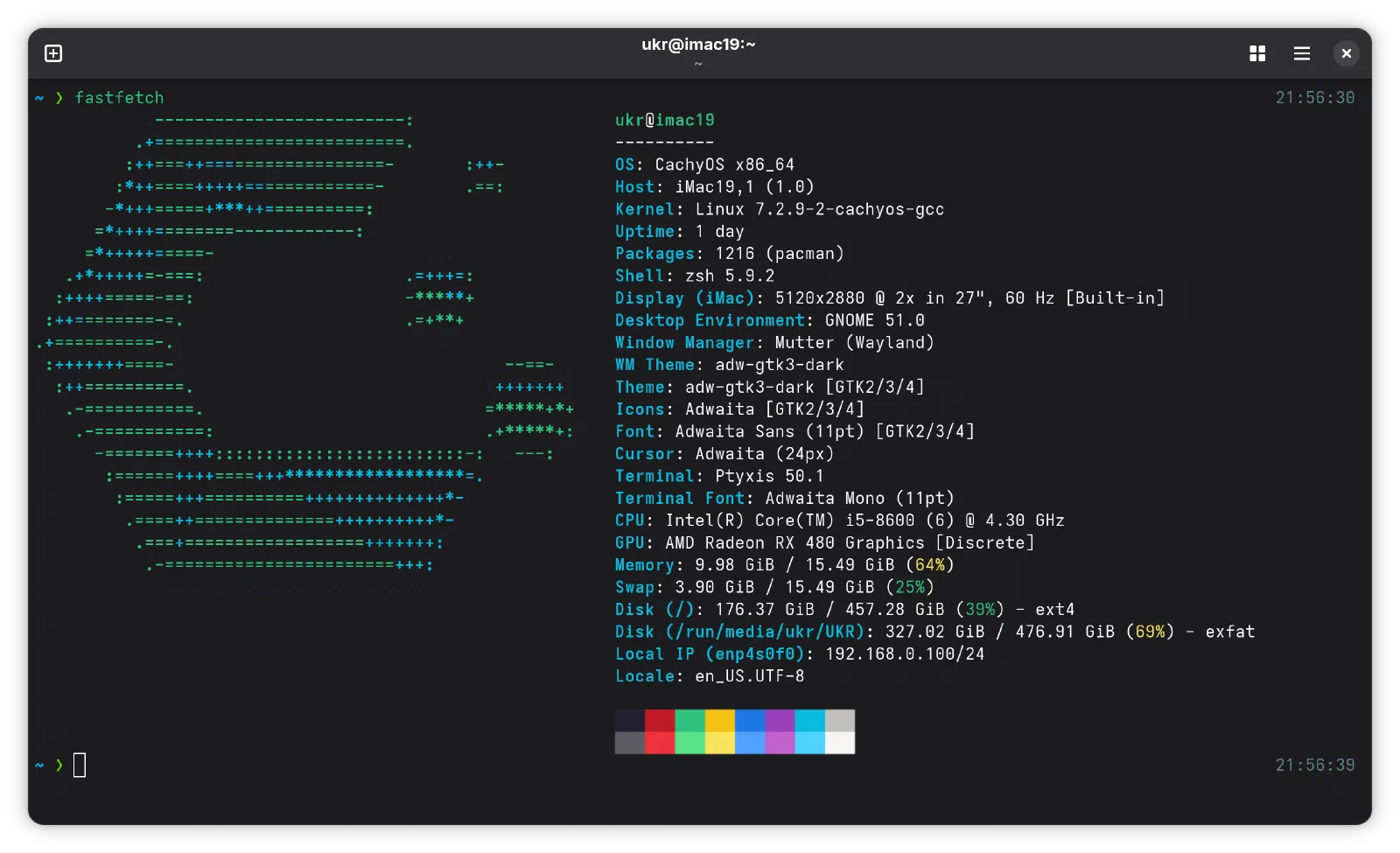
I’m not going back, It’s stable. Much more performant for my development workflows and I can play games! Proton via Steam!
- ✅ Wi-Fi
- ✅ Bluetooth (Audio not tested)
- ✅ 5K resolution (Check Side Quest B)
- ✅ Audio Out (Check Side Quest C)
- ❔ Microphone (My mic was already cooked after a botched SSD install)
- ✅ Ethernet
- ✅ Dimming backlight
- ✅ Fan control (Check Side Quest A)
- ❌ Suspend (I’m a sicko who does not turn off computers)
Setup
This is my setup
- iMac (Retina 5K, 27-inch, 2019) - iMac 19,1 already running MacOS.
- Battle scars of prior Linux installs, like a residual GRUB setup.
- Fusion Drive is replaced with an Samsung 870 EVO SSD.
- Stock 8GB of ram updated to 16GB.
Important:
- Have your lightening cable hooked up to the mac and the apple keyboard.
Guide
I’m not going to regurgitate anything as there is an excellent guide by Misternoli, which only inspired me to try this.
Link: iMac 19,1 Installation Guide
Deviations From Guide:
- Used the t2Linux
firmware.shoption to copy drivers over to the EFI partition, but keep a copy too. - Used the Gnome desktop environment, as opposed to KDE which is selected by default.
- Brightness customization was not needed, it worked for me by default.
- Forked the fancontrol solution with some customization.
Battles
Problems run into and solutions.
Battle A: Cannot Shrink & Partition APFS
- My drive is encrypted and has errors.
- Booted into Recovery (Restart and hold CMD+R)
- Go to disk utility
- Unmount all volumes under container (which is under the internal drive)
- Important, go volume by volume and run first aid (running first aid on the whole disk is not enough)
- Then pick the Drive and hit partition - Create a new partition not volume, pick MS-DOS.
Battle B: Cannot boot into USB drive
- Follow preparation instructions on CachyOS docs.
- Reboot iMac and hold Option key.
- Plug in USB drive (it detects hot plugging)
- Pick the EFI boot (orange icon)
Battle C: Refusing to install to a small EFI partition
- Installer won’t let you proceed as EFI partition is small. Trick the installer!
- Edit the installer config.
- Exit installer
- Open terminal
- Edit Config:
sudo nano /etc/calamares/modules/partition.conf - change
efiSystemPartitionSizeoccurrences to100M. - Make Config Read Only:
sudo chattr +i /etc/calamares/modules/partition.conf. - Start Installer.
Credits: Fellow Reddit User
Side-quests
Things done to made me want to stay on this setup.
Quest A: Fancontrol
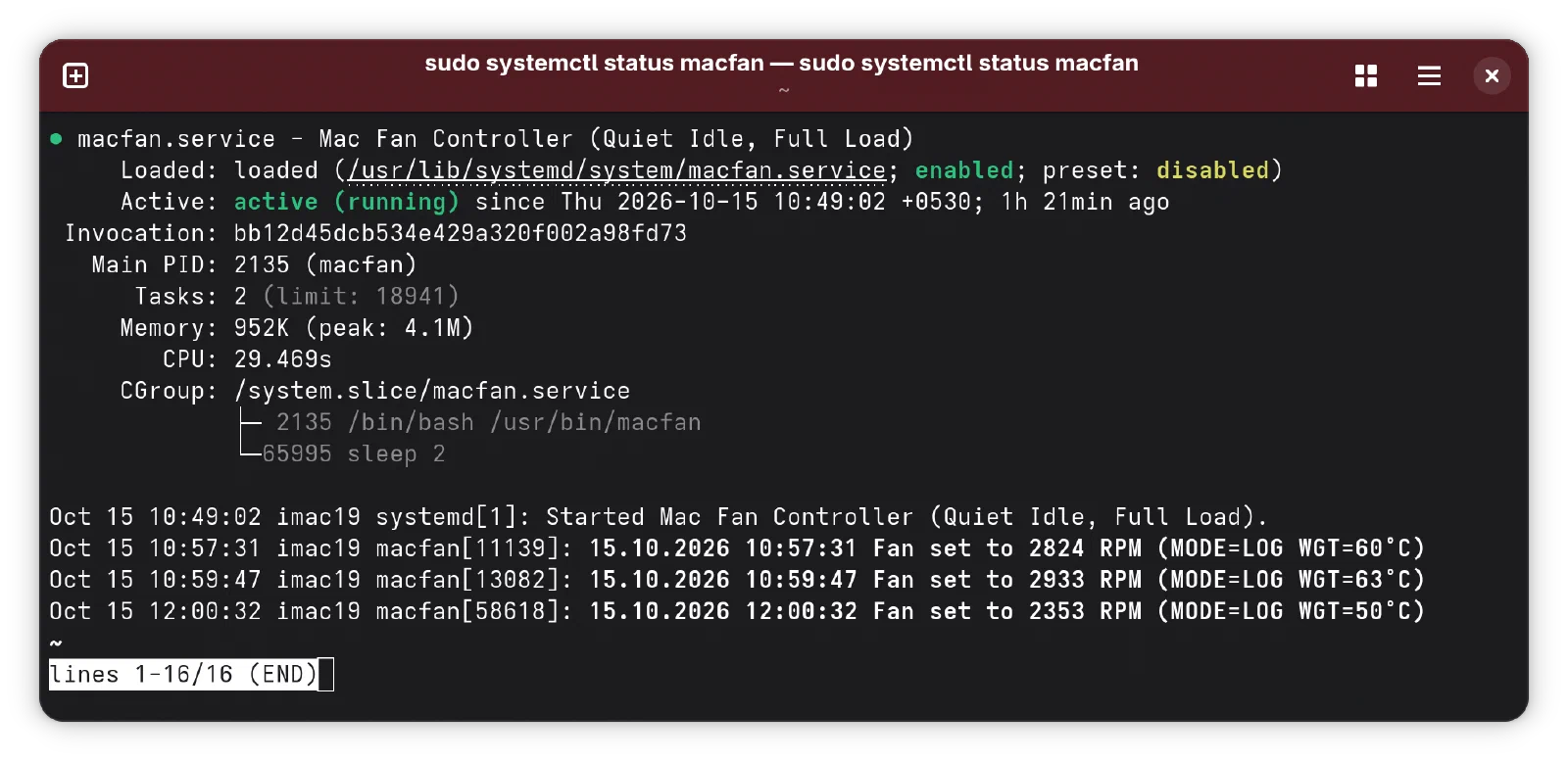
I customized the guides fan control script to make it customizable via config file and made some tweaks,
Git Repo: kaveenr/imac5k-fancontrol
Quest B: 5K Resolution
The default amdgpu driver only outputs in 4K, which is just sad. I found some prior attempts for other operating systems and adapted it to CachyOS.
Git Repo: kaveenr/imac5k-cachyos
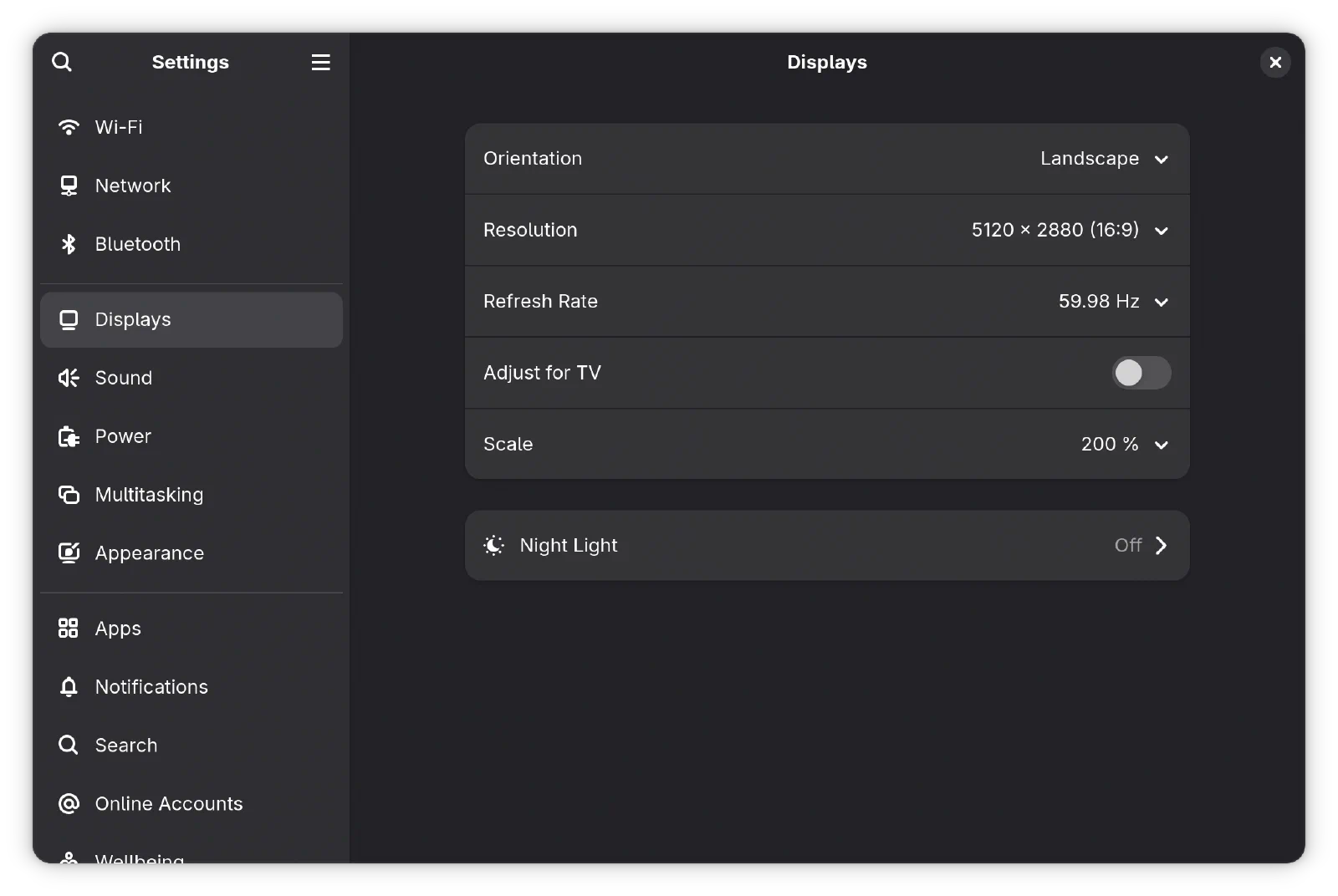
Please read the disclaimer, this was an LLM assisted port and I can’t assure (yet) that this auto setup will work for all.
Quest C: Speaker DSP
First time I heard the internal speakers, my heart sank. The Apple DSP magic was gone. But thanks to taprobane99’s tuning makes the speakers usable and more neutral which I’m enjoying even more.
Setting up prerequsites for CachyOS:
sudo pacman -S --needed pipewire pipewire-pulse wireplumber lsp-plugins-lv2
# This might fail??
sudo yay -S bankstown

# AUR package having issues compiling?
sudo pacman -S rustup
rustup default stable
sudo yay -S bankstown
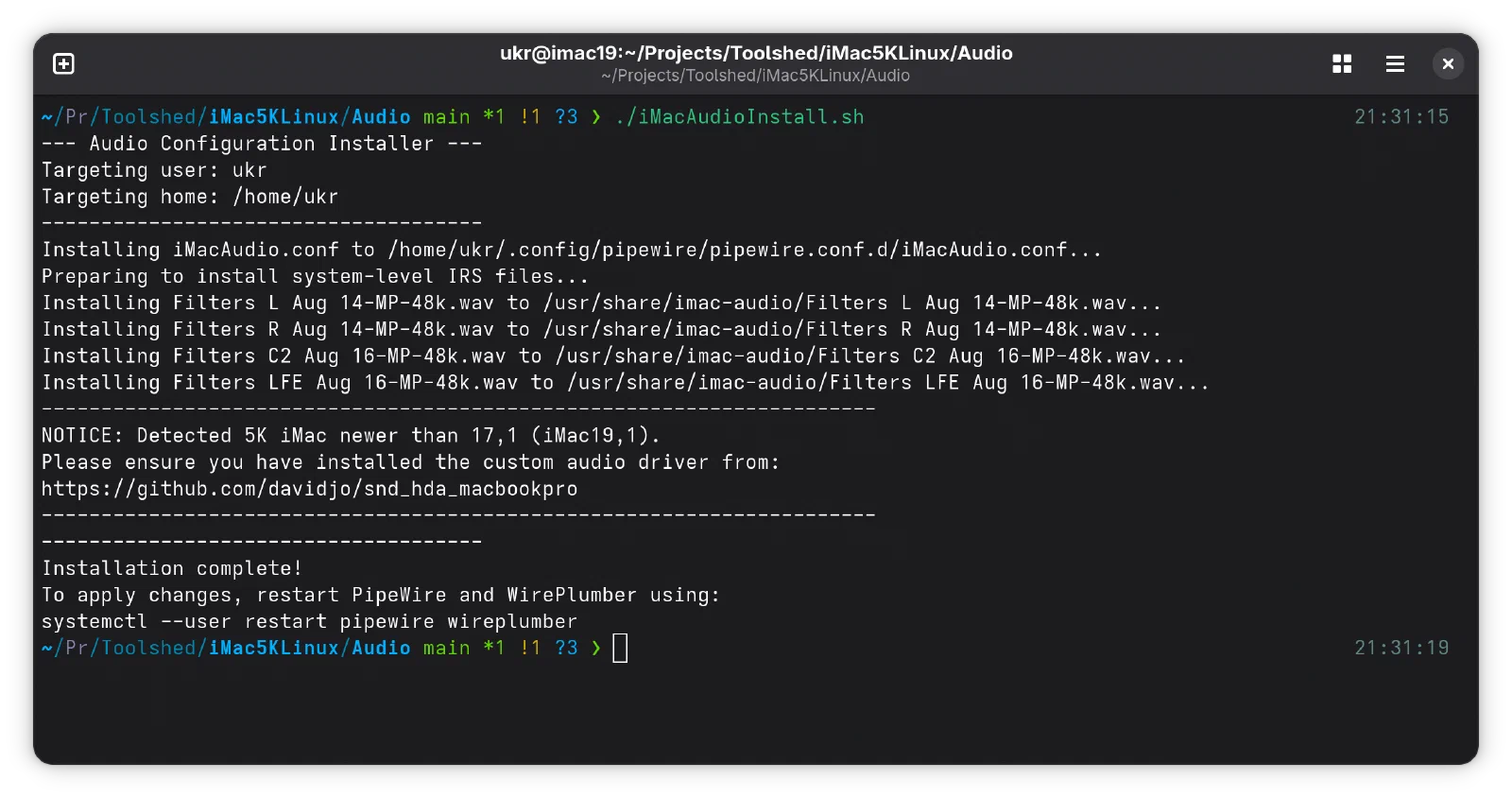
after which you can run the ./iMacAudioInstall.sh script.
Git Repo: taprobane99/iMac5KLinux